Crochet Filter / turn photo into crochet
Turn a photo into crochet
To turn a photo into crochet, the edit has to replace skin, fur, or plastic with stitches while leaving the silhouette alone. A phone filter that only overlays a texture does not do that. An image-edit model does, which is why the TikTok versions started in ChatGPT.
The upload box on this page is the whole flow. There is no layer stack, no mask, and no prompt to write unless you want the optional detail line.
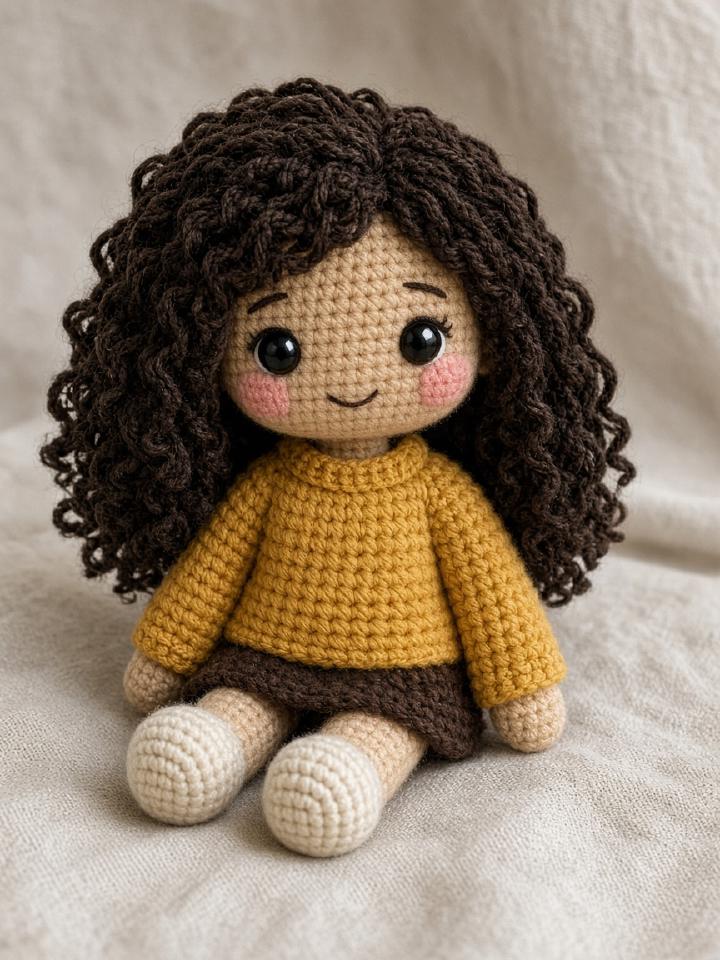
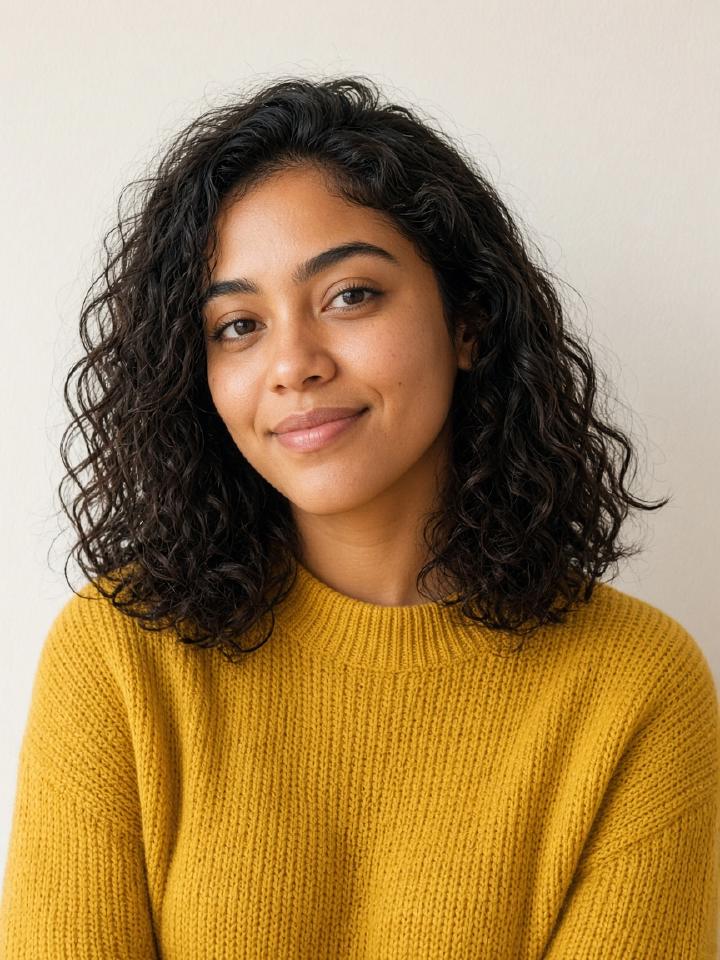
How the crochet filter works
- 01
Drop the photo on the generator.
- 02
Press Generate.
- 03
Save the JPG or buy a credit if the preview is watermarked and you want it clean.
Questions people actually ask
- Can I turn a screenshot into crochet?
- You can, but crop away the interface first. Buttons and captions become nonsense stitches.
- What size should the photo be?
- At least a few hundred pixels on the face, and under 6 MB. The server resizes the long edge to 1536 pixels before the edit.
- Do you turn the photo into a real crocheted object?
- You get an image. The physical crochet is a separate project.