Crochet Filter / crochet filter tiktok
Crochet filter on TikTok
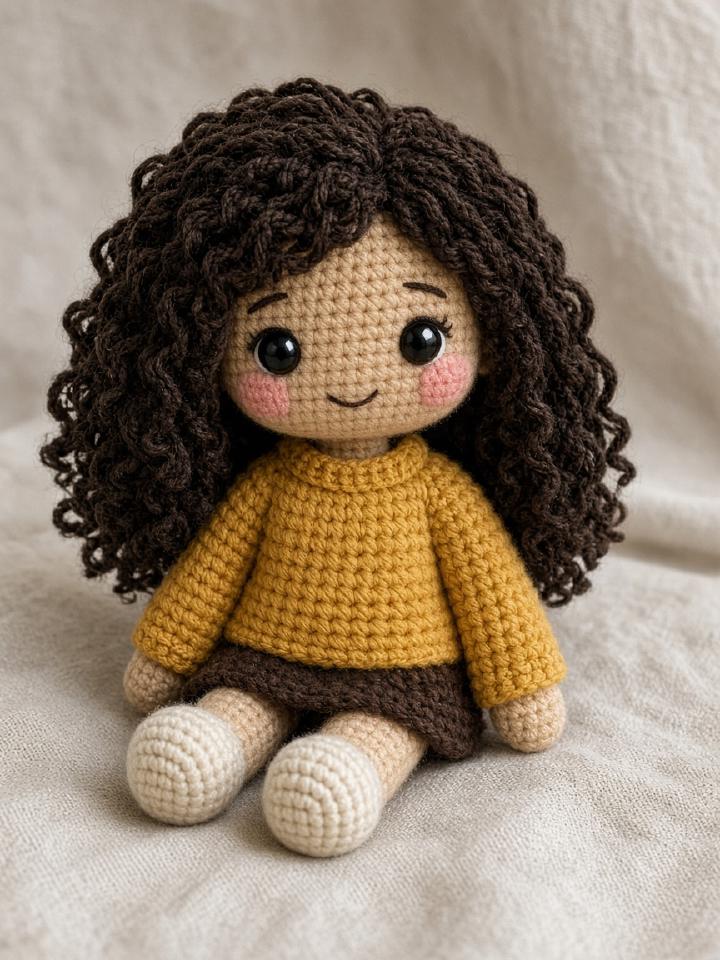
The crochet filter TikTok trend turns a selfie, pet, or object into a photo of a handmade amigurumi doll. Creators first pasted a long prompt into ChatGPT, saved the image, and sometimes ran it through CapCut before posting.
Crochet Filter is the one-step version of that trend. Upload the same photo you would have posted, download the doll, and use the share button. The caption includes the site link so viewers can try it on their own photo — the loop the trend pages were missing.

How the crochet filter works
- 01
Upload the photo you want in the TikTok.
- 02
Generate an amigurumi doll and download the JPG.
- 03
Tap TikTok. The caption is copied. Upload the JPG in TikTok and paste the caption.
Questions people actually ask
- How do I do the crochet filter trend on TikTok?
- Make the doll here, download it, open TikTok's upload screen, and paste the copied caption. TikTok does not accept a pre-filled video from a website, so the file has to be uploaded in the app.
- What caption should I use?
- The share button copies a caption with the site link. Add your own line if you want, and keep the link so people can make theirs.
- Can I post a watermarked preview?
- Yes. A lot of trend videos use the preview. Buy a credit if you want a clean full-resolution still.