Crochet Filter / crochet filter chatgpt prompt
Crochet filter ChatGPT prompt
The text prompt that started the trend asks an image model to turn the subject into a handmade amigurumi doll with visible single-crochet stitches, safety eyes, and a linen background, while keeping hair, clothes, and expression recognizable. People pasted that prompt into ChatGPT, attached a photo, and retried when the face drifted.
Crochet Filter sends a tuned version of that prompt for you. The default style is Amigurumi doll. Crochet portrait, Knitted, and Pastel yarn are the other presets. An optional detail line covers extras like "red scarf" without you rewriting the whole prompt.
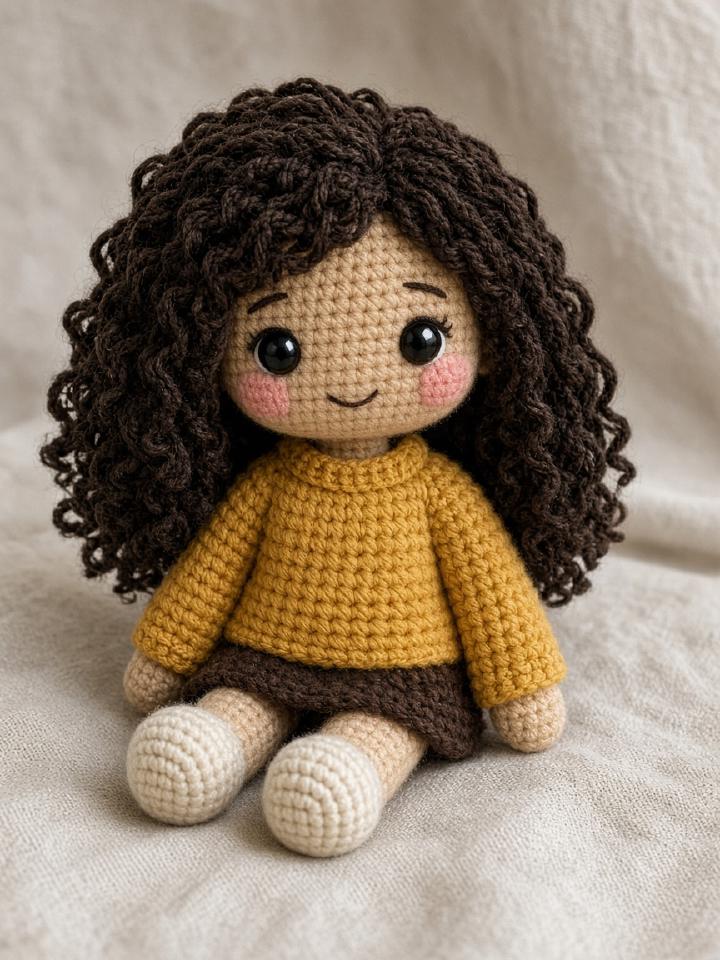
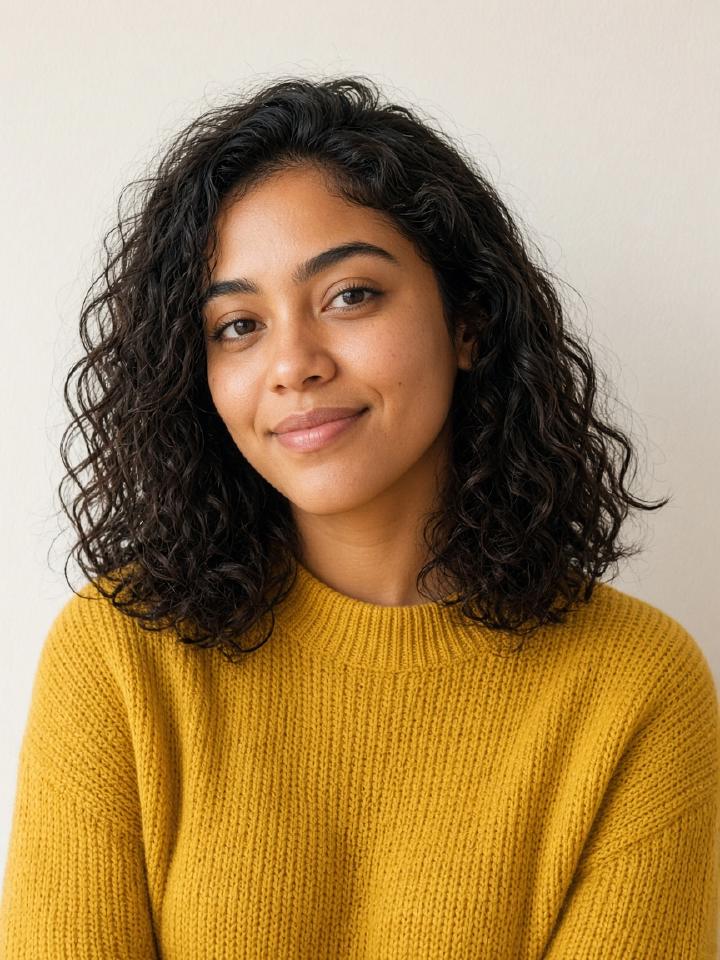
How the crochet filter works
- 01
If you want the manual route, attach your photo in ChatGPT and ask for a handmade amigurumi doll with visible stitches and the same hair and clothes.
- 02
If you want the short route, upload the photo here and press Generate.
- 03
Compare the preview. Buy a credit only if the likeness is good enough to post or print.
Questions people actually ask
- How to turn a photo into crochet with ChatGPT?
- In ChatGPT, attach the photo and ask for a real handmade amigurumi doll that keeps the subject's hair, colors, and expression. Results vary by model, and you pay for ChatGPT's plan. This site runs a fixed prompt against an image-edit model instead.
- What prompt does this site use?
- The Amigurumi preset asks for a stuffed yarn doll with single-crochet stitches, an oversized head, safety eyes, and an embroidered smile, and it tells the model to keep the subject recognizable. You can read the full preset behavior by trying a preview.
- Can I add my own words?
- Yes. The detail box is appended to the preset and capped at 200 characters. It should not ask the model to leave the yarn medium.