Crochet Filter / crochet filter capcut
Crochet filter without a CapCut template
CapCut does not contain the original crochet doll look by itself. The October 2026 workflow was: generate an amigurumi image in ChatGPT, then drop that still into a CapCut template for motion, text, or a transition.
You can skip the template hunt. Generate the doll here, download the JPG, and import that file into CapCut only if you want animation or captions. The crochet transformation happens before CapCut, on the photo you upload.
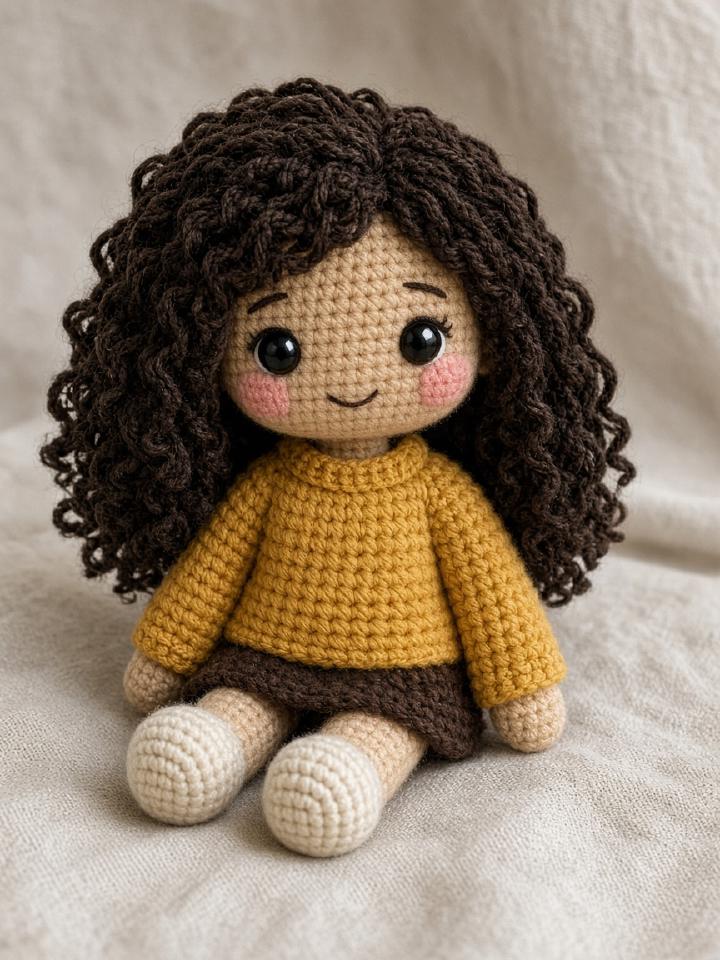
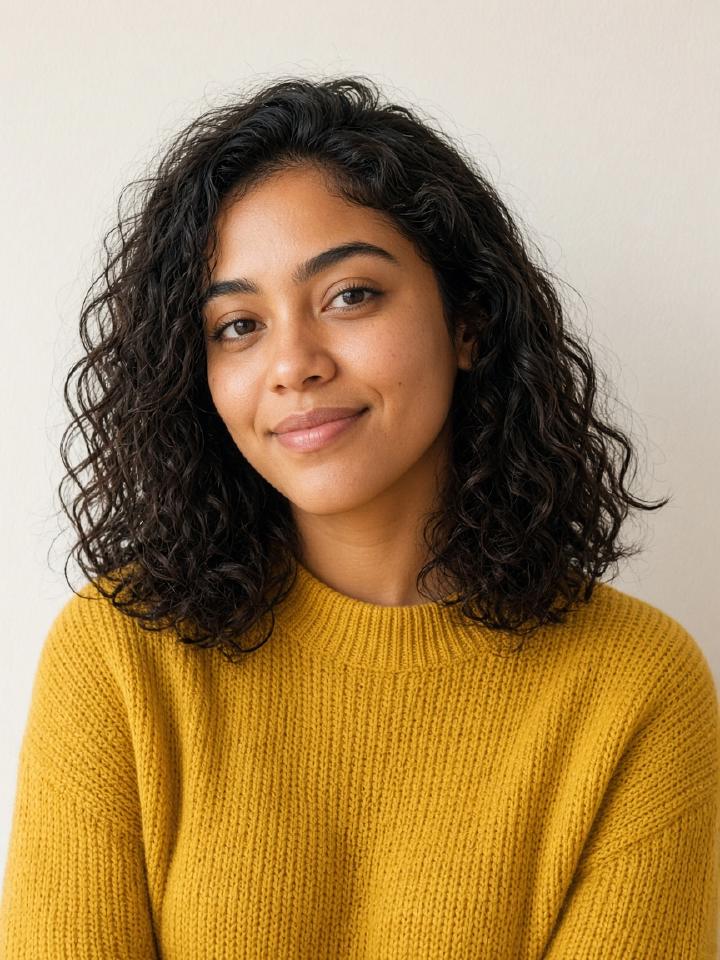
How the crochet filter works
- 01
Upload the original photo here, not a screenshot of CapCut.
- 02
Download the crochet result.
- 03
Import the JPG into CapCut if you want a trending edit on top of it.
Questions people actually ask
- Where is the crochet filter in CapCut?
- There isn't a single official CapCut effect that turns any photo into an amigurumi doll. Creators used CapCut after generating the doll elsewhere.
- Can I upload a CapCut export?
- Yes, if it is a clear still of the subject. A busy collage or a tiny screenshot makes a worse doll.
- Do I still need CapCut?
- Only if you want video editing. The doll image is finished when you download it.