Crochet Filter / crochet selfie filter
Crochet selfie filter
A crochet selfie filter is the trend in its most common form: one person, front camera, arm's length, then a yarn doll with the same hair. The wide-angle stretch of a phone selfie is usually fine. What hurts is a dark room or a hand covering half the face.
After the image lands, the share row copies a caption and opens TikTok, Instagram, or X. Download the file first. Those apps need the JPG from your camera roll; they do not pull it from this page automatically.
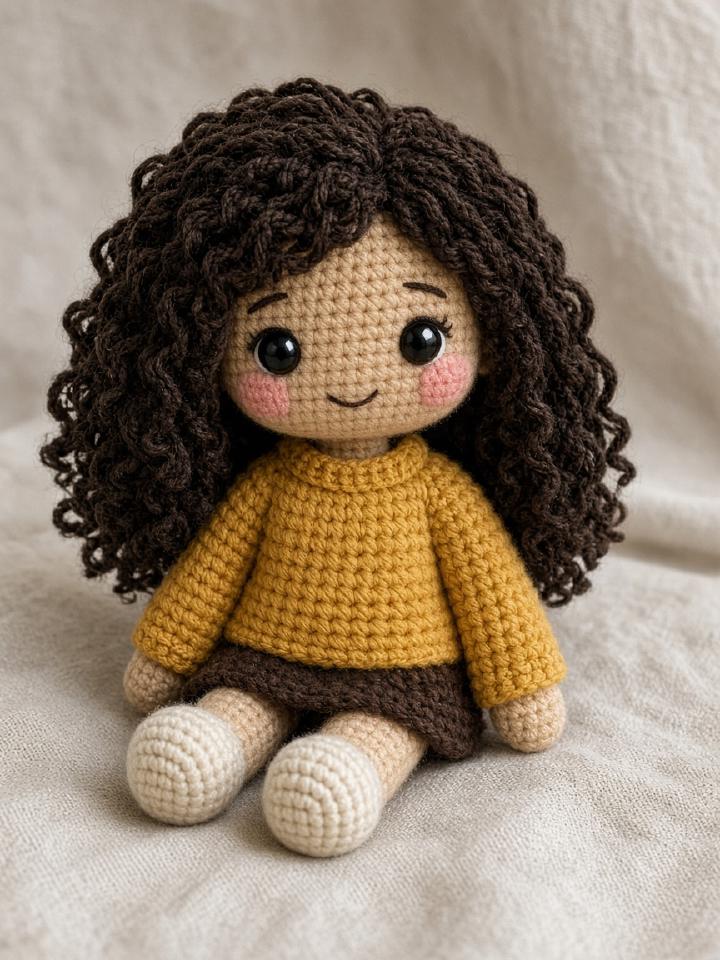

How the crochet filter works
- 01
Take or pick a selfie with your face well lit.
- 02
Generate the Amigurumi doll.
- 03
Download, then tap the network you want. Paste the copied caption.
Questions people actually ask
- The selfie looks stretched. Is that a problem?
- Mild phone distortion is okay. If the face is partly out of frame, retake it.
- Can I put the doll back into my camera roll?
- Yes. Download saves a JPG. On a phone you can also use the system share sheet when the browser supports sharing files.
- Should I tag the site?
- The copied caption includes the link. Tagging is optional; the link is what lets someone else start from their own photo.